


Extract audio from Instagram
With Insta Zoom, you can easily extract, listen to, and save audio from any public Instagram video.
Instagram Audio Extractor
Audio content is an integral part of Instagram. Many videos, reels, and stories rely on music or distinctive audio clips. Therefore, many users are looking for a quick and easy way to download audio from Instagram.
Through our website Insta Zoom, we offer a professional service that allows you to extract music from Instagram Videos and Reels—without any registration or software installation.
Extract Audio From Instagram Video
The Insta Zoom tool makes it easy to download Instagram Reels audio as MP3 from any device. You can quickly extract sound from Instagram videos, Reels, and Stories—no sign-up needed. With our advanced music extractor, you’ll have your file ready in seconds.

How to use Instagram audio extractor?
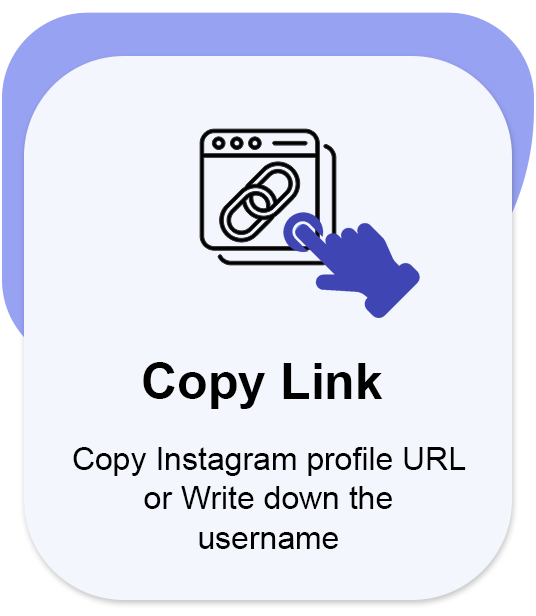
1. Copy video link
To extract sound from an Instagram video [ story, reel, or highlight ] for free, simply copy the video link.
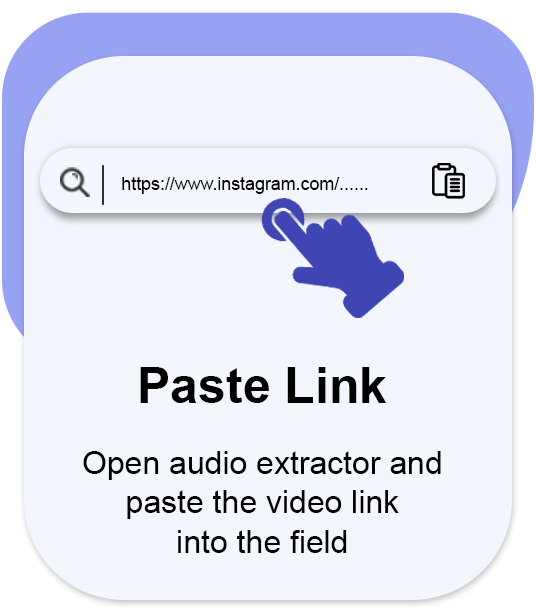
2. Paste video link
Paste the link into the input field of our IG audio extractor.
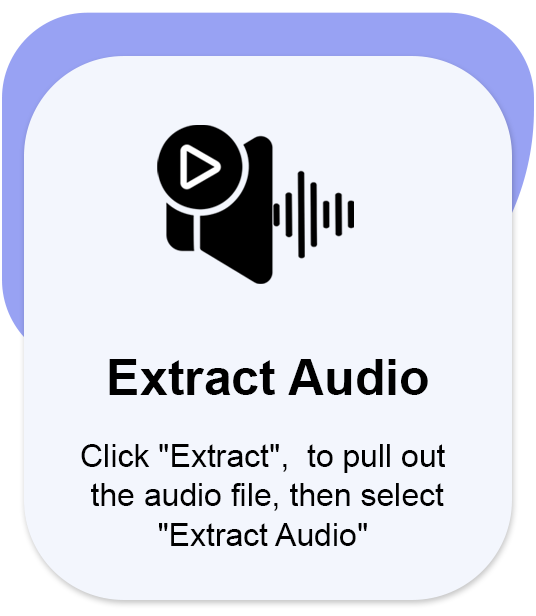
3. Extract audio
Click the [ Extract ] button to pull out the audio file from [ story, reel, or highlight ], then select [ Extract Audio ].
How to extract Audio From Instagram Video?
- Open the Instagram app and select the account which you want to extract audio from videos [ Reels, Stories, and Highlights ]. Then copy the profile link or type the username.


- Go to the Instagram audio extractor page and paste the profile link or enter the username into the field.
- Click the [ Extract ] button, All the videos in the account will appear. Select the video you want to extract the audio from, then click on [ Extract Audio ] to extract the audio file from the videos.
Save Instagram stories Audio online
Instazoom Story lets you extract audio from Instagram Stories online before they expire. Download music, voiceovers, and other sounds from active Stories as MP3 files. It’s a simple way to keep the audio you want, anytime.
How to extract audio from an Instagram story?
- Copy story link: Select the story you want and click the share icon, then choose Copy Link.
- Paste story link: Paste the link into the input field of our Instagram audio extractor.
- Extract story audio: Click the [ Extract ] button to pull out the audio file, then select [ Extract Audio ]. To save it, just click the [ Download MP3 ] button.
Download Instagram Reels Audio as MP3
With our Instagram Audio Downloader, you can easily convert reels to MP3 and save audio from Instagram videos, reels, stories, and highlights from any public Instagram post without having to register or create an account.
How to download audio from Instagram reels?
- Open Instagram: Open the Instagram app and choose the video you want to extract audio from.
- Copy Link: Click on the share icon and choose [ copy link ].
- Paste in audio extractor: Paste the URL into the search bar.
- Extract Audio: Click [ Extract ] to begin. Then select [ Extract Audio ] to save the Reel’s audio file, and click [ Download MP3 ].
FAQ
What’s the best Instagram audio downloader?


Although many websites and tools let you download music from Instagram videos, Insta Zoom clearly stands out as the top choice for doing it.
Can you extract music from Instagram reels without an account?
Yes, I can extract and download music from Instagram Reels videos in high quality.
How to extract audio from Instagram videos and reels?
You can quickly extract music from Instagram with a specialized tool by visiting our website, instazoom. It lets you extract audio from Instagram videos and reels easily.
Can you legally extract music from Instagram?
Yes, our instaZoom extracts music from publicly available Instagram videos, so extracting audio is viewed as 100% legal.

